
Head over to your server and make sure you have OP permissions.
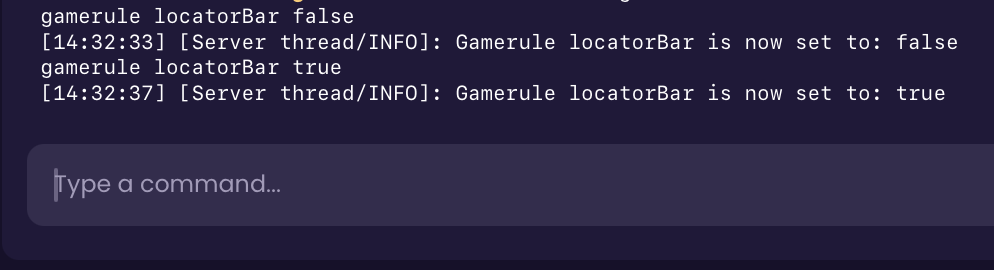
Run the command ‘/gamerule locatorBar true’ to turn it on, or ‘false’ to turn it off.
If you have OP permissions, you’re able to change player colors using the following command:
/waypoint modify <player> color <color>
If the Locator Bar is enabled on the server, players are still able to hide themselves from it using the following methods:
Sneaking/Crouching
Wearing a Carved Pumpkin or a Mob Head
Using the Potion of Invisibility
Going into Spectator Mode
 Congratulations, you've successfully toggled the Locator Bar on your server. If you have any issues or concerns, please contact us through the ticket system.

